One app for all your crypto

Own your crypto with Ledger Live

Manage thousands of coins, stake for rewards, and keep your private keys offline on your Ledger device. The wallet that trusts no one but you.

4.7 / 5 from 3,184 reviews Keys stay offline Windows, Mac, iOS, Android
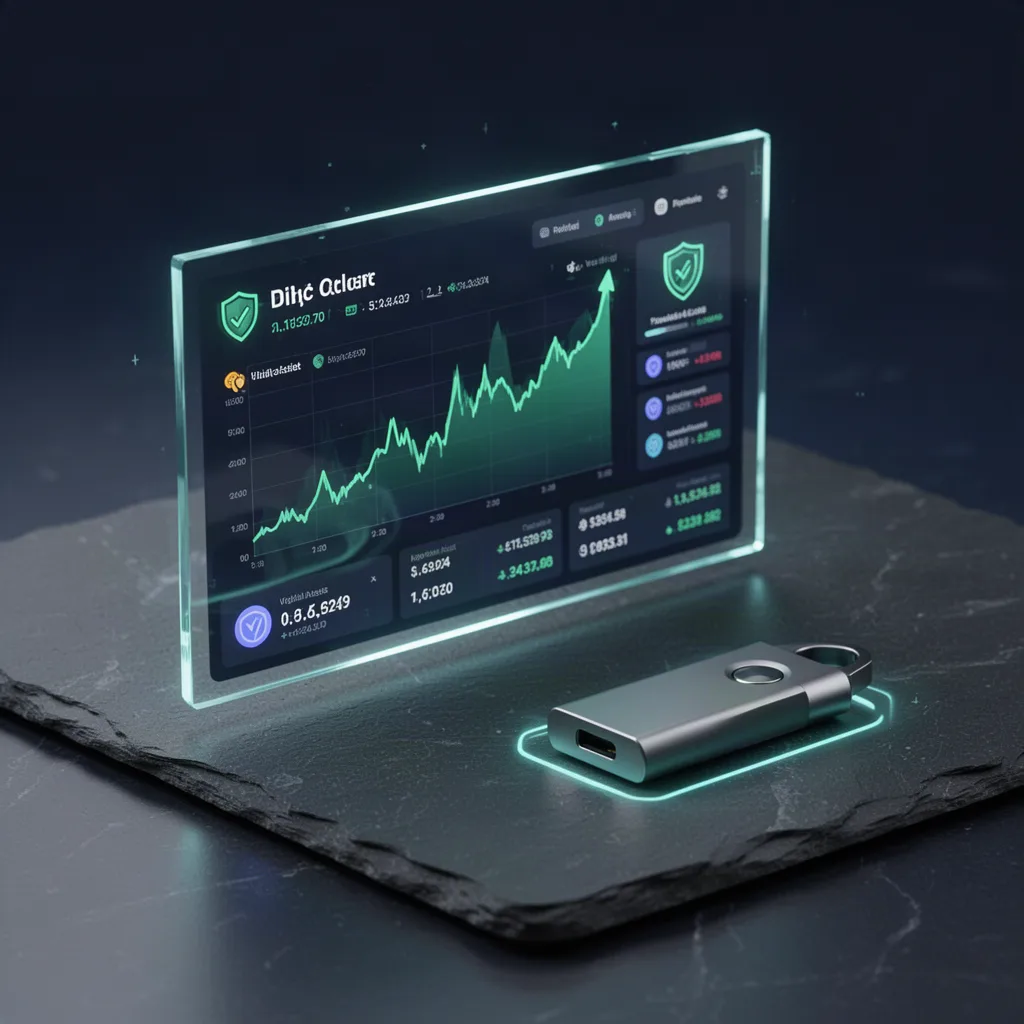
Ledger Live app dashboard displaying a crypto portfolio balance

Why people choose it

A crypto wallet app that does the heavy lifting

One clear portfolio

See every coin, token and account in a single view. Balances update in real time so you always know where you stand.

Buy, sell and swap

Fund your wallet with card or bank transfer and swap between assets through trusted partners, all without leaving the app.

Stake and earn

Put ETH, SOL, ATOM and other supported assets to work. Track staking rewards right beside your balances.

Thousands of assets

Support for the coins and tokens that matter across major networks, with new ones added in regular updates.

Desktop and mobile

Run it on your computer and phone. Accounts sync, so it is the same portfolio wherever you open it.

You approve everything

Every send, swap and stake is confirmed physically on your Ledger. No hidden approvals, no surprises.

A Ledger hardware wallet connected to a laptop running Ledger Live

Security first, always

Your keys never leave the device

Software wallets keep your keys where malware can reach them. Ledger Live works differently. Your private keys are generated and stored inside a certified secure chip, offline, on your Ledger.

When you sign a transaction, the details show on the device screen and you confirm with a button press. If a screen ever lies, the hardware still tells the truth.

  • Certified secure element chip
  • 24-word recovery phrase you control
  • Physical confirmation on every action
Get protected today
7M+
Devices trusted worldwide
5,500+
Coins and tokens supported
$0
Cost to download the app
4.7/5
Average user rating

Supported asset categories in Ledger Live

Four steps to secure crypto

How to start with Ledger Live

1

Download the app

Grab Ledger Live for your desktop or phone and install it in a couple of minutes.

2

Connect your device

Plug in or pair your Ledger hardware wallet and follow the guided setup.

3

Add your accounts

Install the coin apps you need and watch your portfolio come together.

4

Manage and grow

Send, receive, swap and stake, confirming each move on your device.

See the difference

Ledger Live vs a browser hot wallet

What matters Ledger Live Typical hot wallet
Private keys kept offline Yes No
Physical transaction approval Yes No
Manage many chains in one place Yes Limited
Built-in staking Yes Varies
Resistant to browser malware Yes No
Recover funds on a new device Yes Seed only

Real users, real words

What people say about Ledger Live

Setup took maybe ten minutes. I can see every coin in one place and staking rewards land like clockwork. Nothing to complain about.

MB
Marcus Bell

Knowing my keys never leave the device is the whole point for me. The app stays clean and swaps are fast. I moved my whole stack over.

PN
Priya Nair

Portfolio tracking is excellent. I wish a couple of smaller tokens were supported, but every asset I actually hold works fine.

DF
Danielle Foster

Limited launch bonus

Download now and secure the setup guide

New users who download this week get our step-by-step security checklist, free. Set up your recovery phrase the right way and avoid the mistakes that cost people their coins.

02
Days
00
Hours
00
Mins
00
Secs
Claim the bonus guide
Ledger Live mobile app running on a smartphone next to a hardware wallet

Fresh from the app

Latest Ledger Live updates

Staking rewards screen inside Ledger Live

More staking options added

Fresh networks join the native staking list, so more of your holdings can earn while they sit.

Swap interface showing two crypto assets in Ledger Live

Faster swap quotes

The swap flow now pulls quotes quicker and shows clearer fee breakdowns before you confirm.

Portfolio analytics chart inside the Ledger Live app

Redesigned portfolio view

A cleaner dashboard puts your total balance, movers and rewards front and center.

Good to know

Ledger Live questions, answered

Is Ledger Live free to download?

Yes. Ledger Live is a free app for desktop and mobile. You only need a compatible Ledger hardware wallet to sign transactions and secure your keys.

Where are my private keys stored?

Your private keys never leave your Ledger device. They stay inside the certified secure chip offline, and every transaction is confirmed physically on the device.

Can I stake crypto in Ledger Live?

Yes. You can stake supported assets such as ETH, SOL, ATOM and others directly in the app and track your rewards over time.

How many coins and tokens does Ledger Live support?

Ledger Live supports thousands of coins and tokens across major networks, and the list keeps growing with regular app updates.

Can I buy and swap crypto inside the app?

Yes. Through trusted integrated partners you can buy crypto with card or bank transfer and swap between assets without leaving Ledger Live.

Does Ledger Live work on both phone and computer?

It runs on Windows, macOS and Linux, plus iOS and Android. Your accounts sync so you manage the same portfolio anywhere.

What happens if I lose my Ledger device?

Your funds are tied to your recovery phrase, not the device. Restore access on a new Ledger using your 24-word recovery phrase kept safely offline.

Take back control

Your crypto deserves a real safe

Download Ledger Live, connect your device, and manage everything from one trusted app. Free to start, yours to control.